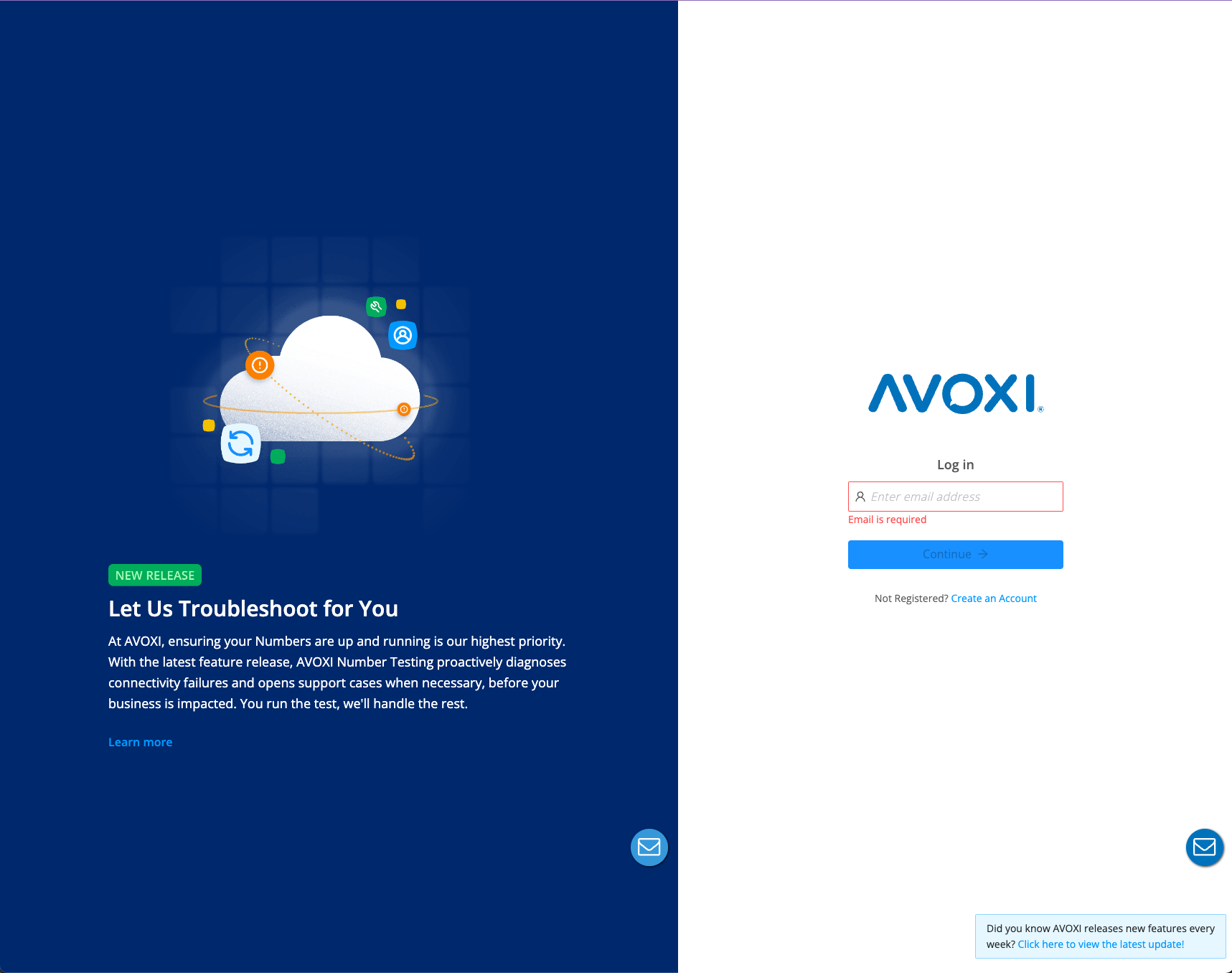
Follow these steps to access your AVOXI account:
Step 1: Visit the Login Page
Go to https://genius.avoxi.com in your web browser.
Step 2: Enter Your Credentials
Type in your email address and select Continue.
Enter your password and select Log In.
Alternative: Sign in with Google
If your business uses Google, you can log in faster:
Select the Sign in with Google button.
Follow the prompts to choose your Google account and verify your identity.
Note: Please ensure the Google account you select is the one associated with your AVOXI profile.